 YadPelle
Flashcards · Featured
Ready-made flashcard packs
Start without writing a single card: pick one of YadPelle's ready-made packs, bring it into your account and begin studying right away.
12 steps
Learning center
Each tutorial plays as an automatic slideshow; pause it or jump to any step whenever you like.
Flashcards
Start without writing a single card: pick one of YadPelle's ready-made packs, bring it into your account and begin studying right away.
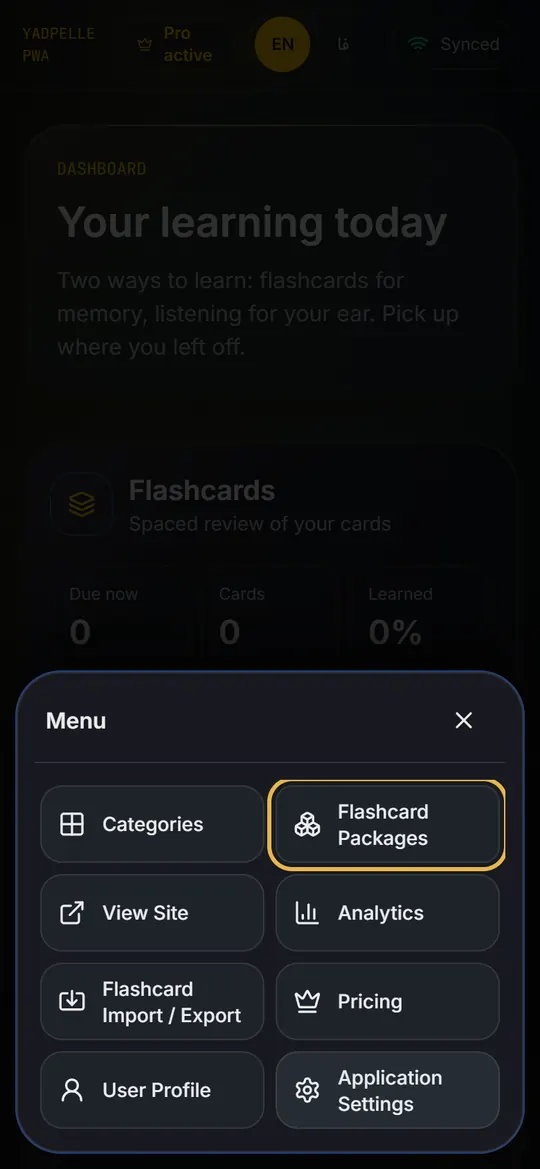 1 / 12
Plays automatically; each step moves on after its own reading time.
Flashcards · Featured
Start without writing a single card: pick one of YadPelle's ready-made packs, bring it into your account and begin studying right away.
Flashcards · Featured
Bring in hundreds of cards with one Excel file, and take a copy of your cards whenever you like. Step by step, even if you have never used Excel.
Flashcards
Cards live in a category and a subcategory. Each card has a front (question) and a back (answer).
Flashcards
YadPelle shows each card again at the right moment. You recall the answer and rate yourself honestly.
Getting started
Create an account with your mobile number: an SMS verification code, a password, and you are on your dashboard.
Listening
Listen to audio lessons by language and level; YadPelle remembers where you stopped.
Account and settings
Set the app language, card order, automatic pronunciation and voice, and the review intervals to suit you.
Account and settings
A subscription unlocks every review stage, the pro listening tracks and more.
Install the app
Download the YadPelle Android app straight from this site; updates are announced inside the app.
Install the app
One button on the Downloads page and a confirmation in Settings put the YadPelle icon on your home screen; it opens full screen like an app.